Translates, not explains
Select a paragraph of docs or an error and read a plain rewrite of it instead. No "this means…".
A free Chrome side panel that rewrites developer docs, error messages and terminal output into plain English or Greek, as you read. Bring your own free Groq key.
Select a paragraph of docs or an error and read a plain rewrite of it instead. No "this means…".
ELI5, Newbie, Standard or Vibecoder. Switch and re-run in one click.
The whole panel, the answers and the read-aloud voice, in either language.
Every technical term on the selection, each with a two-to-ten word definition.
Runs on Groq's free tier with your key. Nine models, and it hops to the next when one is busy.
Talks to Groq and, if you want, YouTube. Your private search server is asked for by name, only when you test it.
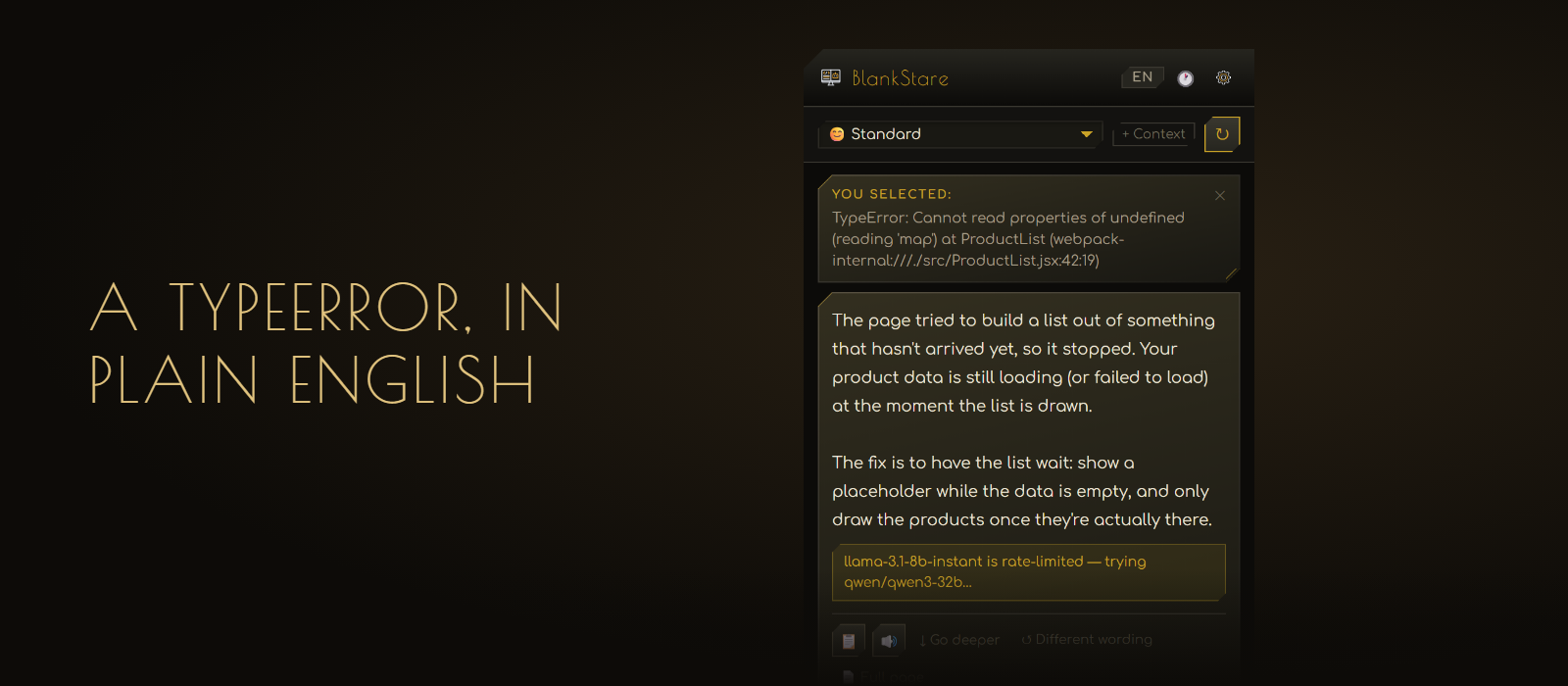
Select the error on any page and the panel rewrites it as you watch.
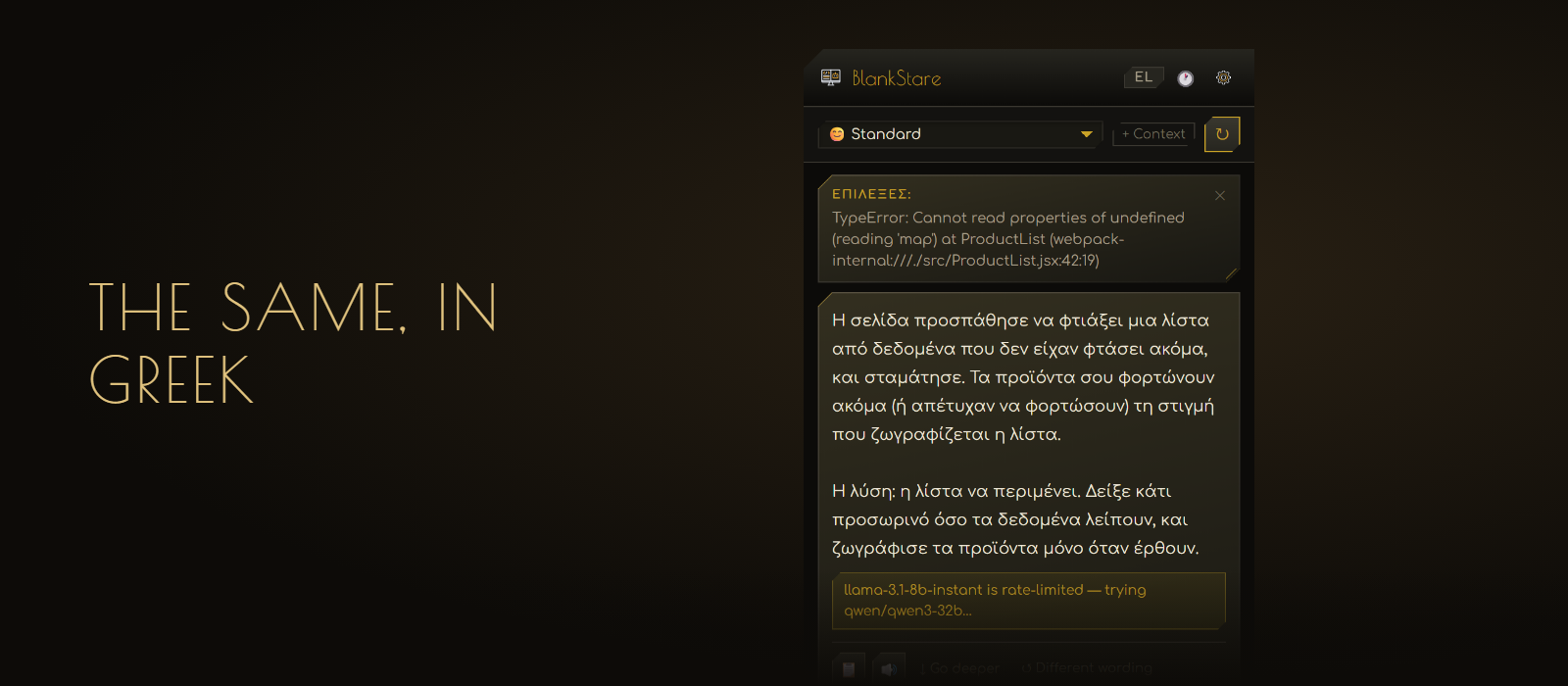
Panel, answers and read-aloud voice switch to Greek with one button.
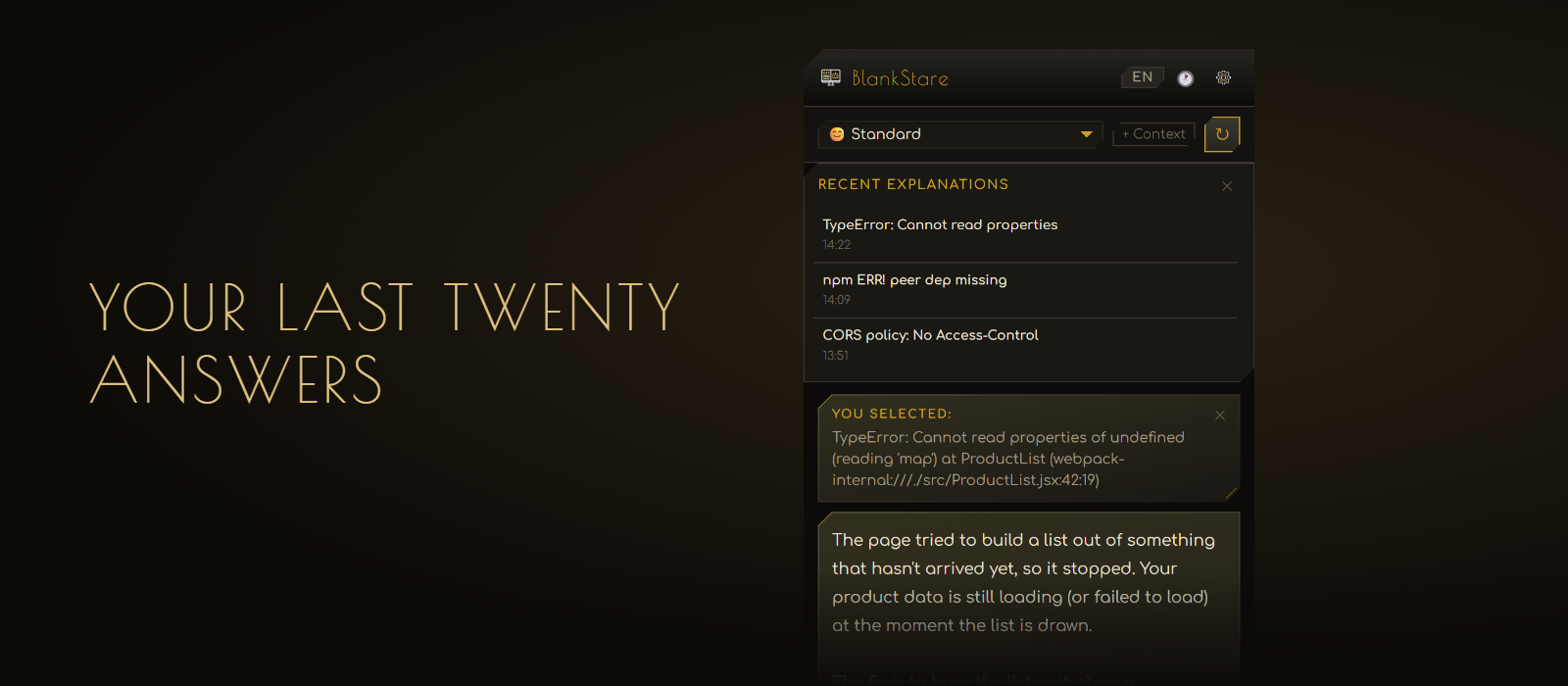
Open any earlier answer again without asking twice.
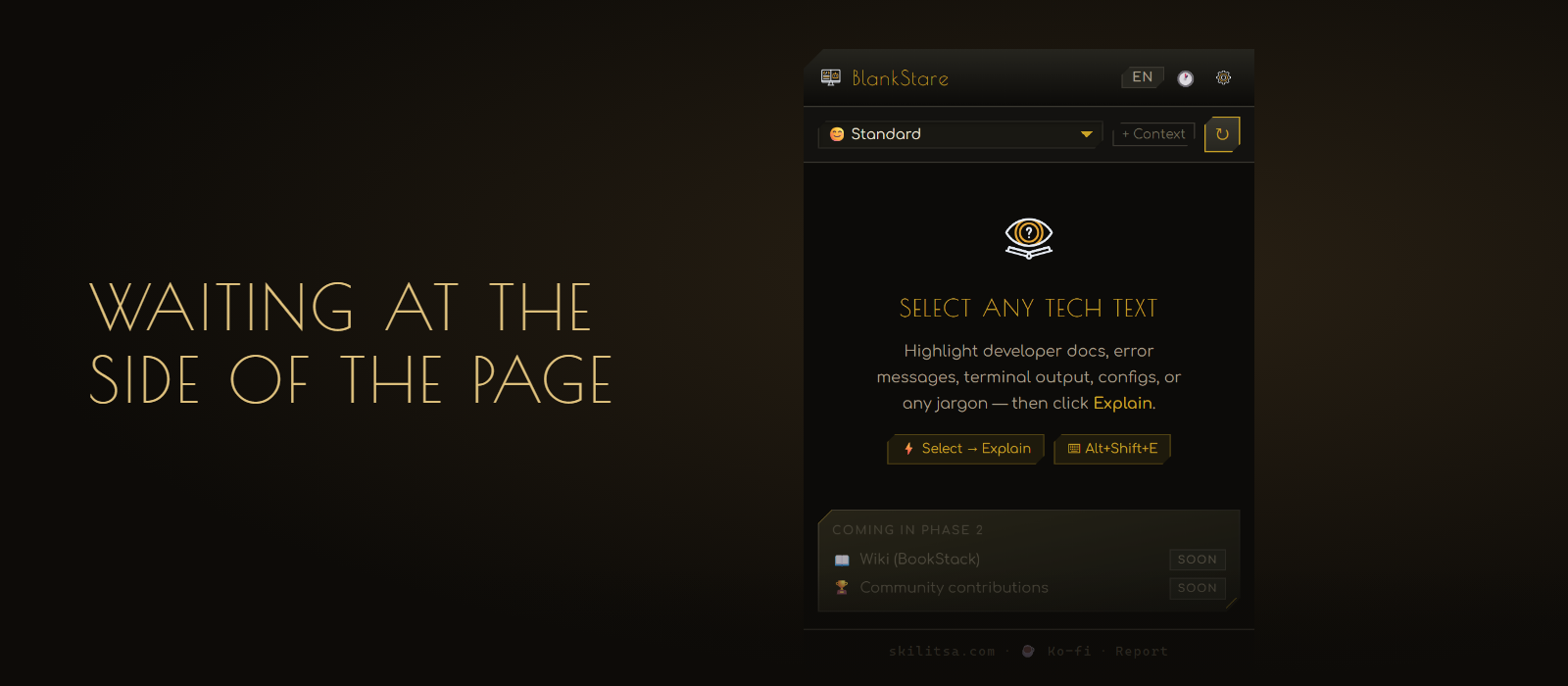
The panel waits in the side of the browser. Select text, or press Alt+Shift+E.
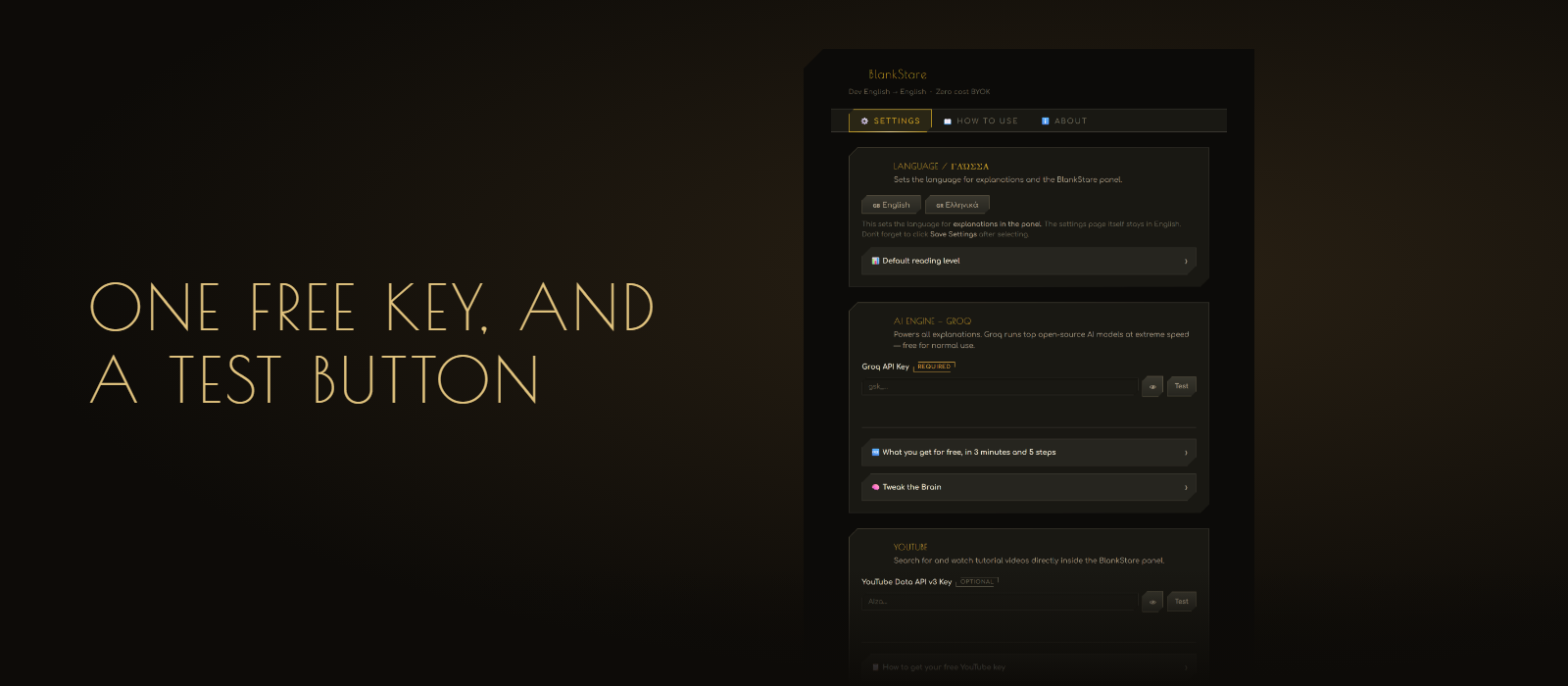
One free key, a test button, and everything else folded away until you need it.
BlankStare is a Manifest V3 Chrome extension with no build step. Load the folder unpacked and it runs; npm test exists only for the Node test suite.
| Part | File | Job |
|---|---|---|
| Service worker | background.js |
Context menu, keyboard commands, opens the side panel. chrome.sidePanel.open() must run synchronously inside the user gesture, so nothing is awaited before it. |
| Content script | utils/pure.js, content.js |
Tracks the selection and draws the floating button inside a closed shadow root. The host element pins its own layout inline at !important, because the page’s CSS beats :host by spec. |
| Side panel | sidepanel/* |
Streaming UI, i18n (EN/EL), history, TTS, glossary, follow-ups. |
| Settings | settings/* |
Keys, model, voice, search provider, triggers, exclude list. |
| API layer | utils/api.js |
Groq chat (SSE), Groq TTS (Orpheus), YouTube Data v3, SearXNG with DuckDuckGo fallback. |
| Pure logic | utils/pure.js |
SSE reassembly, URL filtering, domain exclusion, Greek detection, prompt building. Never touches chrome, document, window or fetch. |
explainWithGroq({ apiKey, model, systemPrompt, userPrompt, maxTokens, autoFallback, signal, onChunk, onDone, onError, onStatus }).
createSSEParser() buffers the incomplete tail of each network read. Splitting each chunk on \n on its own silently drops any data: line that straddles two reads.AbortController lanes in the panel (translation, glossary, follow-up question), so a new request replaces its own predecessor only.onDone with a notice, never a hung cursor.host_permissions: https://api.groq.com/*, https://www.googleapis.com/*.optional_host_permissions: http://*/*, https://*/*, used for one origin only: the user’s SearXNG server, requested by chrome.permissions.request from the settings Test button (it needs a gesture). searchWeb() checks chrome.permissions.contains first.content_scripts.matches is <all_urls>, which alone causes Chrome’s “read and change all your data” warning. It stays, because the button must already exist when a selection happens.href or src passes safeUrl() (http/https only).chrome.storage.sync for settings, chrome.storage.session for the last 20 results (survives the panel closing, cleared with the browser). The panel listens with storage.session.onChanged; no polling.
Deco Noir, vendored in vendor/. Panel data-dress="working", settings plain. Display face per glyph via unicode-range: Poiret One (Latin) and GFS Didot (Greek), all self-hosted in fonts/.
npm test                          # node --test, pure logic
npx http-server . -p 8123 -c-1 # then open lab/preview.htmlBlankStare is a free add-on for Google Chrome. It opens a panel at the side of your browser. When you read something written for programmers, like an error message, a setup guide or a page of documentation, you select it, and the panel rewrites it in plain English or Greek.
It does not add notes on top of the original. It gives you a version you can read instead of the original.
From there you can:
Nothing. Groq’s free allowance covers normal use. If one of its models is busy, BlankStare can move to the next one by itself.
Some grown-ups write in a secret language full of strange words. Programmers do this a lot.
BlankStare is a helper that lives at the side of your web browser. When you see words you don’t understand, you colour them in with your mouse, press a little button, and the helper says the same thing again in easy words.
To work, it borrows a very clever computer from a company called Groq. They let you use it for free. You just need your own ticket, which is called a key.
It only reads the words you colour in, unless you ask it to read the whole page.
chrome://extensions, switch on Developer mode, press Load unpacked and pick the folder. Settings opens by itself.